Additional Admins
Add new administrators
Section titled “Add new administrators”As an administrator of your Klubraum, you can invite or remove other members from your Klubraum, as well as make other settings.
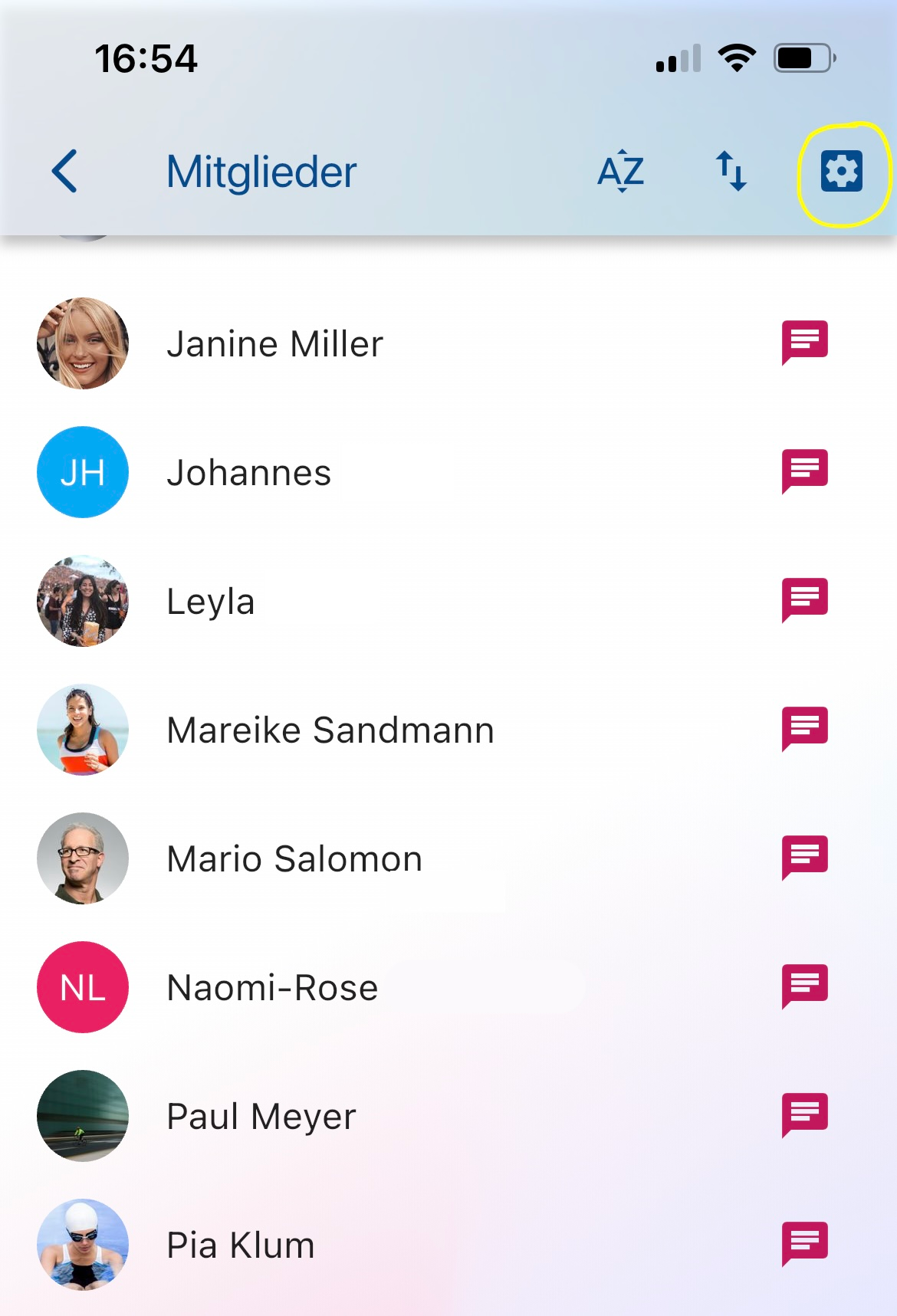
- To add new administrators, first open the member list via the menu on the left.
- There you’ll find a small gear symbol in the top right. If you open it, you’ll get to the member management.
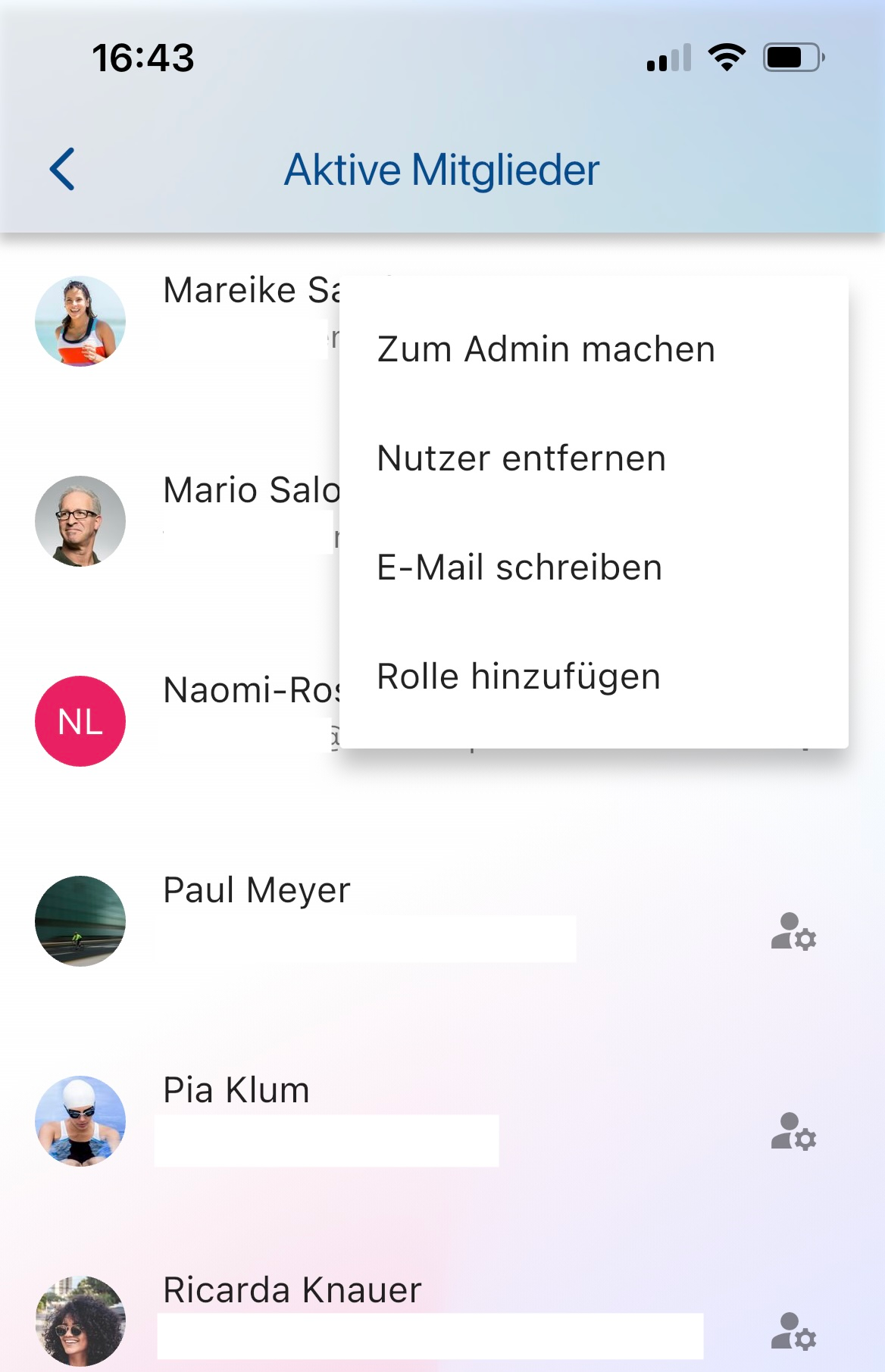
- Select Active members there.
- There you can now decide which member you want to grant or revoke admin rights to.
Alternatively, you can also appoint individual members as Area administrators. They can then change or cancel events in the respective Area and add other members to it. Whether they may also create events there depends on the Area’s Per-Area permissions.
How do I appoint someone as Area Admin?
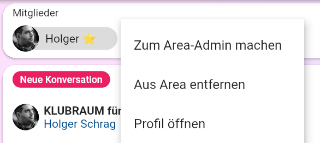
Section titled “How do I appoint someone as Area Admin?”To appoint a member of your Klubraum as Area Admin, you must first open the respective Area in question. Then you’ll see the members of this Area in the top row. If you click on a person, a menu opens where you can make the person an Area Admin or later revoke these rights.