
Delete Message
How do I delete a message?
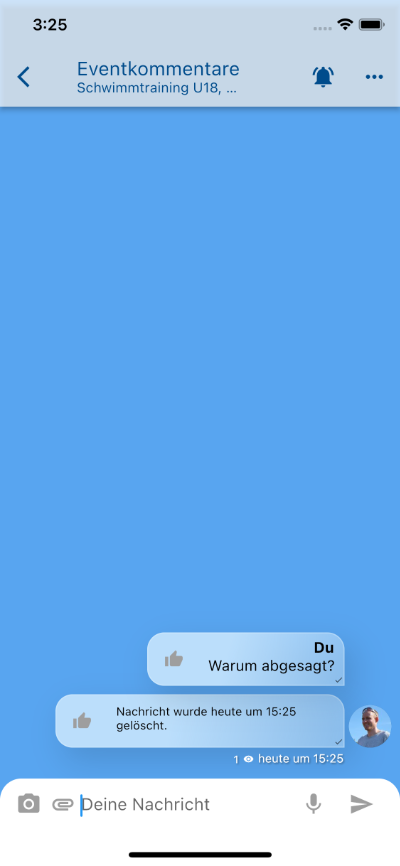
Section titled “How do I delete a message?”- To delete a message you’ve already sent, first open the conversation in which you wrote the message.
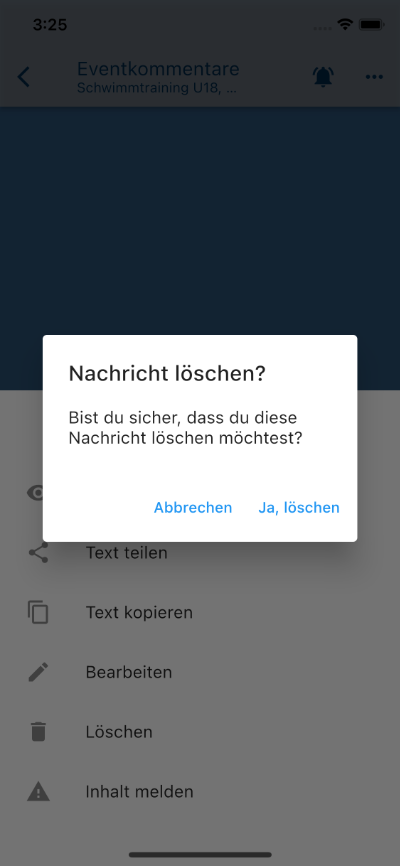
- Now press and hold on the message to be deleted. A menu opens from the bottom.
- In the opened menu, now select “Delete message” and confirm that you really want to delete the message.
Which messages can I delete?
Section titled “Which messages can I delete?”You can delete all messages you have written yourself, regardless of whether it is a private conversation, an Area conversation, or a conversation to everyone.
Report inappropriate messages
Section titled “Report inappropriate messages”Messages can generally only be deleted by the author. However, if the content is inappropriate in a way that is no longer covered by freedom of expression, you can report the message to us via the menu above.