
New Klubraum
Creating a New Klubraum in the Klubraum App
Section titled “Creating a New Klubraum in the Klubraum App”When you create a new Klubraum, you have two or three ways to do it. Sign-up with email is the first option that works for all users. Alternatively, you can register using your Google or Apple account.
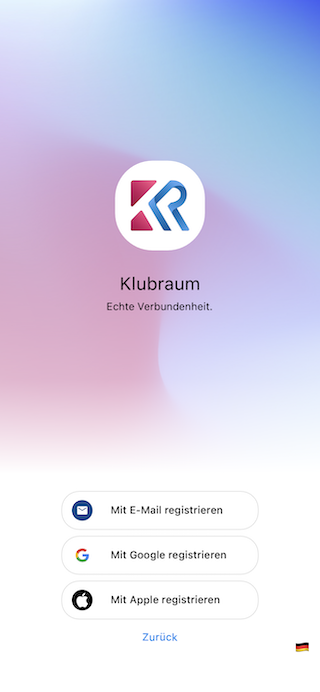
Sign-Up with Email
Section titled “Sign-Up with Email”When signing up with email, you first enter your email address.
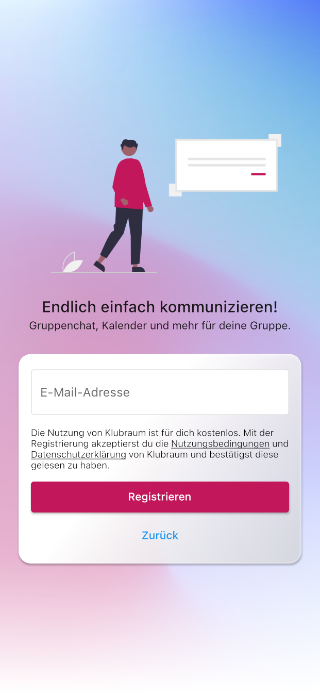
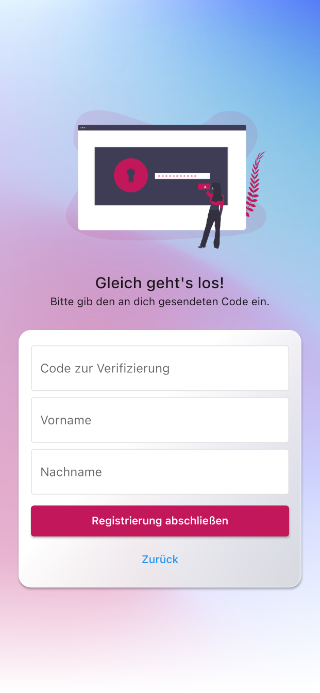
We’ll then send you an email to verify your email address. In the second step, enter the received token and your name:
Once you’ve completed registration, you can create your Klubraum in the next step. You only need the name you want to give your new Klubraum. This is typically the name of your group or club.
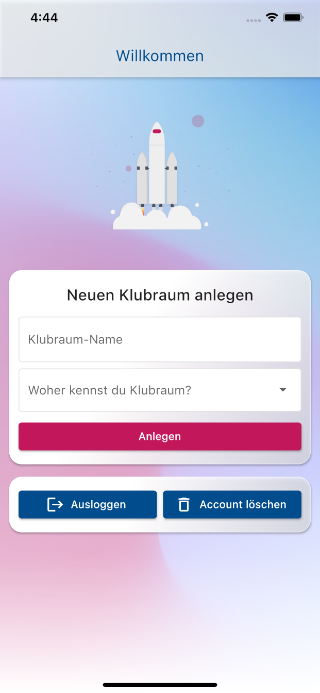
Your Klubraum will be created within seconds and can then be tested and brought to life by you.
Sign-Up with Google / Apple
Section titled “Sign-Up with Google / Apple”With Sign-Up with Google, you can use an existing Google account to authenticate with the Klubraum app.
With Sign-Up with Apple, you can use an existing Apple account to authenticate with the Klubraum app.
After authentication and your confirmation that you want to create a personal Klubraum account, you can create your own Klubraum by tapping on Register own Klubraum on the following screen.
Does your group already have a Klubraum?
Section titled “Does your group already have a Klubraum?”You already have a Klubraum and just need the access credentials? To become part of your Klubraum, you’ll receive an invitation link via email from your administrators beforehand. You can then register through this link.
Once you’ve joined a Klubraum, it’s very easy to log in via the app or browser.